
How a 3D Product Configurator Can Transform Your Business
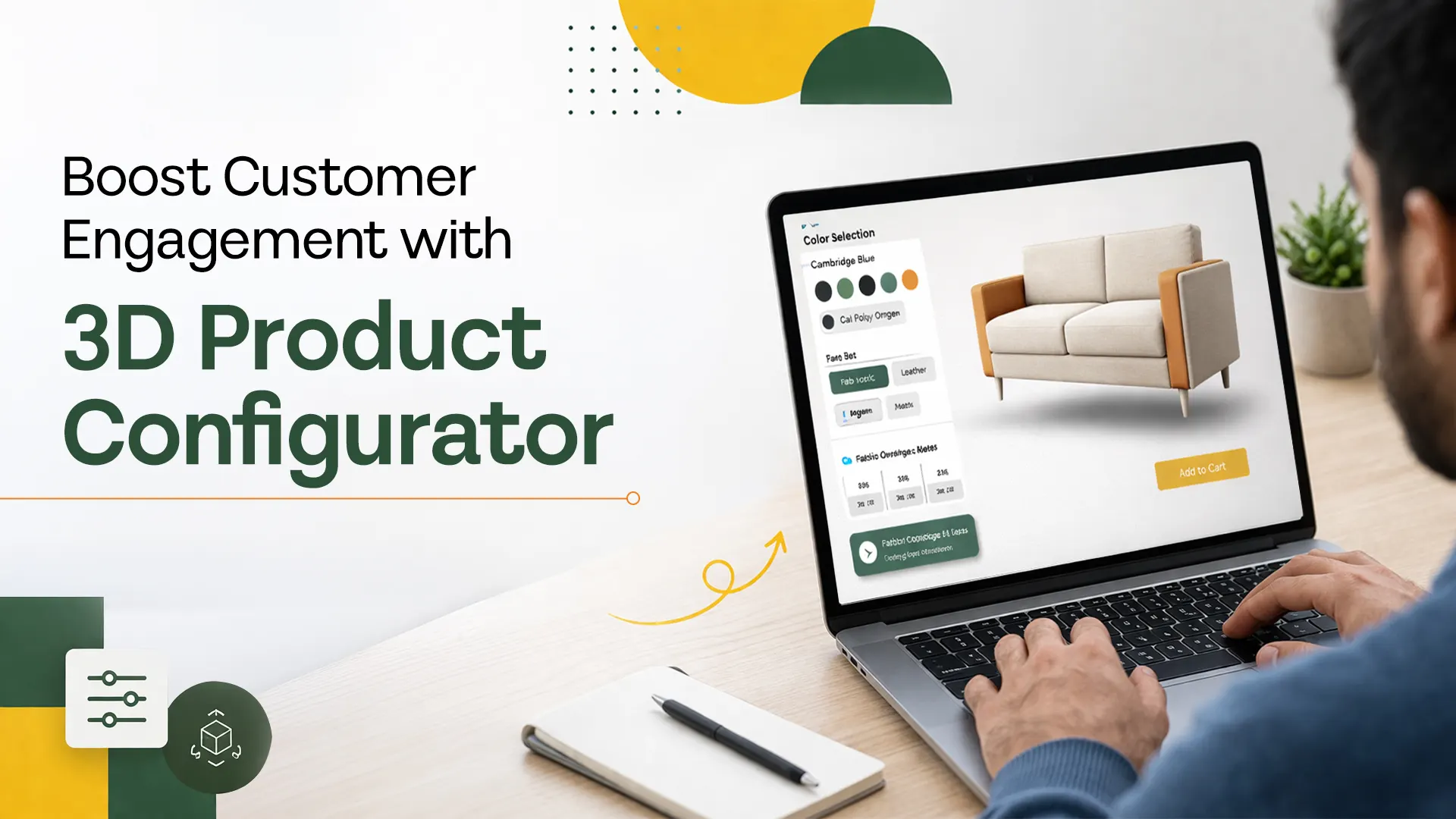
A 3D product configurator is one of the most commercially powerful tools a product-led business can deploy. It lets buyers visualize, personalize, and build confidence in exactly what they are ordering, in real time, before a single unit is produced or shipped.
Static product images and written specifications leave too much to imagination. Buyers have to guess what a sofa looks like in dark grey fabric, whether a machine part fits their configuration, or how a custom cabinet will fill their space. That uncertainty creates hesitation, and hesitation costs conversions.
3D product configurator removes that uncertainty entirely. It gives buyers a live, interactive model they can rotate, modify, and explore until they are ready to commit. For businesses selling configurable products, the result is fewer abandoned purchases, fewer order errors, and higher average order values.
This article covers what a 3D product configurator is, how it differs from standard 3D visualization, which industries benefit most, what the measurable business impact looks like, how to implement one successfully, and what to look for in a development partner.
What is a 3D Product Configurator?
A 3D product configurator is an interactive digital tool that displays a product as a real-time 3D model and allows users to change options such as color, material, size, finish, and accessories, while the visual updates instantly to reflect each selection.
This technology bridges the gap between imagination and reality. It helps buyers understand exactly what they are ordering while helping businesses present their products in a more engaging and persuasive way.
Unlike a static product gallery or a basic 3D viewer, a configurator is built on business logic. It knows which combinations are valid, which options affect pricing, and how changes to one parameter affect others. This logic prevents buyers from selecting configurations that cannot be manufactured or delivered, which protects both the customer experience and your operations.
Key distinction: A 3D product visualizer shows a product in 3D. A 3D product configurator shows it in 3D and lets the user actively change it. The configurator includes the visualizer plus product rules, pricing logic, and often ecommerce or CRM integration.
3D Product Configurator vs Static Product Images: A Direct Comparison
Most businesses default to product photography because it is familiar. But for products with multiple variants or customizable options, photography has significant limitations. Here is how a 3D product configurator compares directly:
| Static Product Images | 3D Product Configurator | |
|---|---|---|
Product visibility |
One angle, one variant |
Full 360 rotation, all variants live |
Customization |
Separate image per option |
Real-time visual update on selection |
Buyer confidence |
Requires imagination |
See exactly what you are ordering |
Order accuracy |
Higher error rate |
Only valid combinations selectable |
Photography cost |
Shoots required per variant |
One 3D model covers all variants |
Scalability |
New photo per new option |
Add options without new shoots |
Mobile experience |
Images scale down |
Interactive on all devices if optimized |
Sales team dependency |
High for complex products |
Buyer self-serves most queries |
The photography cost argument is particularly significant for businesses with large product catalogs. A single high-quality 3D product visualization asset can render every variant, every angle, and every configuration without a single additional shoot. The configurator then makes all of those options available to the buyer interactively.
The Measurable Business Impact of a 3D Product Configurator
The case for a 3D product configurator is not just experiential. The business metrics are
consistently strong across industries that have deployed them.
Research from Threekit found that products displayed with interactive 3D experiences see up to 40% higher conversion rates compared to static images. Businesses using 3D configuration tools report return rates dropping by up to 35% because buyers understand exactly what they ordered before it arrives.
Beyond conversion and returns, a 3D product configurator creates a measurable impact across several business functions:
- Sales cycle reduction: Buyers self-serve more of the evaluation process, reducing the number of back-and-forth interactions required before a quote or order.
- Order accuracy: When buyers build their configuration visually against validated product rules, specification errors drop significantly. This reduces manufacturing rework and customer service load.
- Average order value: Upselling becomes visual and natural. When a buyer can see the difference between a standard and premium finish in real time, upgrading is a much easier decision.
- Marketing asset efficiency: One 3D model generates all product visuals across your website, catalog, sales presentations, and social media. The cost per asset drops significantly over time.
- Sales team productivity: Complex products that previously required a sales rep to walk a buyer through options can now be explored independently. Sales teams spend less time on basic product education and more time closing.
Industries That Benefit Most From a 3D Product Configurator
In sectors where the buying process is centered around product complexity, visual decision-making, or extensive customization, a 3D product configurator delivers the strongest return. The most active sectors are listed in the table below:
| Industry | What Gets Configured | Primary Business Impact |
|---|---|---|
Furniture and Interiors |
Color, fabric, size, layout |
Reduces hesitation on high-value purchases, cuts return rates |
Industrial and Manufacturing |
Specs, accessories, configurations |
Eliminates spec errors, speeds up quoting and order handoff |
Automotive |
Trims, colors, interiors, packages |
Makes upselling natural, increases average order value |
Cabinetry and Modular Interiors |
Dimensions, finishes, modules |
Prevents ordering mistakes, increases buyer confidence |
Apparel and Lifestyle |
Colors, materials, logos, sizing |
Creates a premium personalized buying experience |
Home Improvement |
Styles, finishes, dimensions |
Helps buyers visualize outcomes before committing |
Medical Equipment |
Configurations, accessories, sizes |
Supports complex B2B procurement decisions |
Consumer Electronics |
Colors, storage, accessories |
Reduces comparison fatigue, increases conversion rate |
For industrial and manufacturing businesses specifically, a 3D product configurator connects directly to how 3D visualization enhances manufacturing efficiency. It is not just a sales tool; it becomes part of the product specification and order workflow.
Key Features of a Well-Built 3D Product Configurator
Not all configurators are built to the same standard. These are the features that separate a configurator that drives business results from one that looks impressive but underperforms:
Real-Time 3D Rendering
Every selection the user makes should update the visual instantly. Lag or loading delays between option changes break the experience and reduce trust. The 3D model must be optimized for performance while retaining enough visual fidelity to accurately represent the product.
Product Rule Logic
The configurator must only allow valid combinations. If a certain color is not available in a certain material, that combination should be unavailable automatically. This protects the buyer experience and prevents orders that cannot be fulfilled. Rule logic also handles dependent pricing, so the quoted price updates in real time as options are selected.
Mobile and Cross-Device Performance
A significant portion of product exploration now happens on mobile. A 3D product configurator that works poorly on smartphones will lose buyers at a critical stage of the decision process. The experience must be tested and optimized across devices and screen sizes before launch.
E-commerce and CRM Integration
A configurator that is not connected to your ordering system creates manual work and introduces errors. The best implementations connect directly to your e-commerce platform, CRM, or ERP so that a configured order flows through to fulfilment without human intervention.
Annotation and Information Overlays
For technical products, the ability to highlight components, explain features, and surface specifications within the 3D view adds significant educational value. This is especially powerful for industrial 3D animation use cases where buyers need to understand complex assemblies before committing.
Analytics and Behavioral Tracking
A configurator should generate data. Which options do buyers explore most? Where do they drop off? What combinations are most frequently completed versus abandoned? This data informs both product development and marketing strategy.
How to Implement a 3D Product Configurator Successfully
3D product configurator is not a plug-in. It is a development project that requires planning, quality 3D assets, product logic documentation, and technical integration. These are the steps that determine whether an implementation succeeds or stalls.
1. Start With One Product Line
Attempting to configure your entire catalog at once is the most common cause of failed or delayed implementations. Start with a single high-value or high-demand product line. Validate the experience, measure the results, and then scale.
2. Document Your Product Rules Before Development Begins
Every valid combination, every dependency, every pricing rule, and every constraint must be documented before a developer writes a line of code. Undefined rules discovered mid-development are expensive to retrofit and cause significant delays.
3. Invest in High-Quality 3D Assets
The visual quality of your 3D model directly determines buyer confidence. A poorly rendered model undermines trust more than no configurator at all. Assets must be accurate, physically realistic, and optimized for web performance. See how interactive 3D models compare to product videos when evaluating the right format for your product.
4. Integrate With Your Business Systems
Define integration requirements before development begins: ecommerce platform, CRM, ERP, pricing engine, or quotation system. Integration planned from the start is far cheaper and cleaner than integration bolted on after launch.
5. Test Across Devices and Edge Cases
Test every combination. Test on slow connections. Test on older devices. Test the edge cases your product rules are supposed to prevent. A configurator that breaks under real-world conditions damages your brand and your conversion rate simultaneously.
6. Launch, Measure, and Optimize
Track engagement rate, configuration completion rate, conversion rate, and average order value from day one. Use that data to identify drop-off points, improve the option presentation, and refine the experience over time.
3D Product Configurator: Cost and Timeline Expectations
One of the most common questions businesses ask before commissioning a 3D product configurator is what it will cost and how long it will take. The honest answer depends on scope, but here is a realistic framework:
- Cost range: A single-product configurator with standard options typically ranges from $5,000 to $20,000. A multi-product configurator with e-commerce or ERP integration ranges from $20,000 to $100,000+. Enterprise-grade implementations with complex product logic and global deployment can exceed this.
- Timeline: A focused single-product configurator takes 6 to 12 weeks from brief to launch. Multi-product or integrated implementations typically take 3 to 6 months. Asset quality and rule complexity are the two biggest timeline variables.
- Budget note: The 3D asset creation cost is often underestimated. For products with high visual complexity, asset development can represent 30 to 50% of the total project cost. Factor this in early rather than discovering it mid-project.
Why Businesses Choose Eilan Digital for 3D Product Configurator Development
At Eilan Digital, we have built 3D product configurators across industrial equipment, automotive, and product-led businesses. We understand that a configurator is not just a visual tool. It is a commercial asset that must reflect your product logic accurately, perform reliably under real-world conditions, and integrate with the systems your business runs on.
Our 3D product visualization services cover the full pipeline from 3D asset creation to configurator development, UI design, and platform integration. We have worked with Verge3D, Unity, and custom WebGL implementations depending on what the product and platform require.
We start every configurator project by understanding your product rules, your buyer’s decision-making process, and the business outcomes you need the tool to drive. Every visual and interaction decision we make is filtered through those goals.
If your business sells configurable products and you want to explore what a 3D product configurator would look like for your catalog, contact us to discuss your product line and the right implementation approach for your goals.
Frequently Asked Questions?
Previous
Let’s talk about what
you’re building.
Whether you’re refining a brand, preparing a market launch,
or bringing clarity to a complex product, we help translate
intent into structured, effective execution.